

This course has been cancelled/postponed. If you are interested in future versions of this course I would love to know what would work for you, please fill out our survey here: https://tally.so/r/Zj7KVB
Thanks!
Level 1: Type Design Apprentice
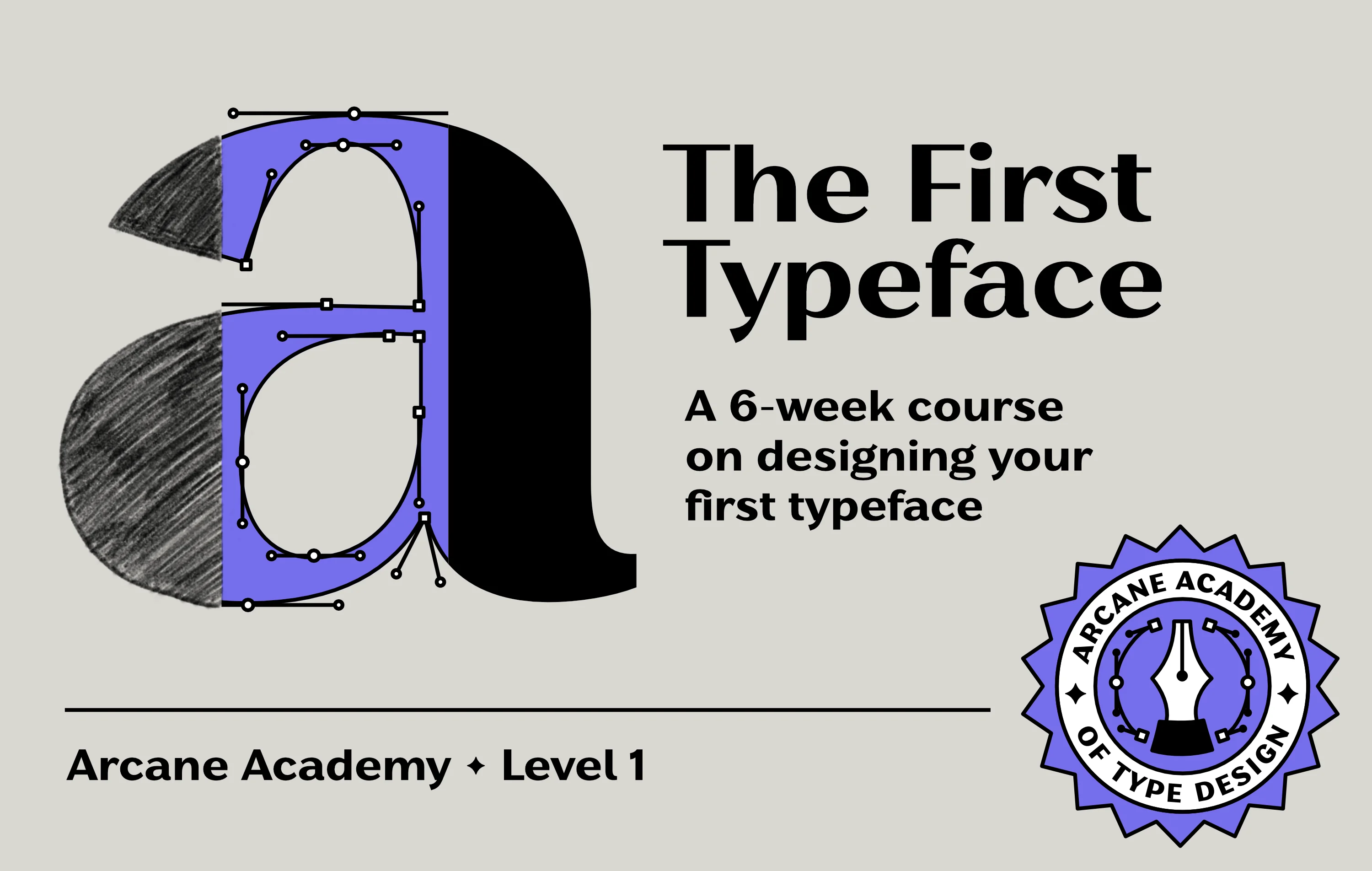
Over six weeks, I’ll walk you through making your first real typeface from scratch including uppercase, lowercase, numbers, and basic punctuation. We’ll cover sketching, vectorizing and spacing in Glyphs, and how to actually make the dozens of small design decisions that go into a letterform. By the end, you’ll have a working display typeface and a specimen to show it off.
This course is for you if you already work with type, as a designer, illustrator, or just someone who uses fonts all the time, and you want to understand what actually goes into building a typeface. You don’t need any font-making experience but you should already be comfortable with basic design software and have an eye for type. It’s also a good fit if you’ve tried making a font before and hit a wall, or want more structure and feedback than working through tutorials alone gives you.
You don’t need to want a career in type design to get something out of this. Understanding how a typeface is built changes how you see every font you use and that’s the real magic of type design.
This in-person course will have the atmosphere of an adventuring party on a quest to make type together. Vancouver has very few opportunities for learning type design with fellow letter lovers in a physical space, so I’m making one ♥
If you have any questions at all, please feel free to reach out: alanna@arcanetype.com
What You’ll Be Able to Do
- Describe the type design workflow from concept to a usable font
- Sketch letterforms with an understanding of contrast, proportion, and stroke relationships
- Use Glyphs to vectorize letterforms and control spacing
- Design a limited character set (uppercase, lowercase, numerals, basic punctuation) that functions cohesively as a display typeface
- Critique and refine letterforms using type design terminology & techniques
- Produce a specimen showing your finished typeface in use
Weekly Schedule
Oct 6: Where typeface ideas come from, sketching contrast and proportion
Oct 13: Getting started in Glyphs, vectorizing letterforms, control letterforms
Oct 20: Analyzing and improving your own work, spacing basics
Oct 27 Numerals and punctuation, proof review
Nov 3: Building a specimen, proof review
Nov 10: Final critique, specimen share, and an open AMA on type design and the industry
*Please note that depending on registration numbers, I may need to cancel or postpone this first cohort. If this happens I’ll email registered students to coordinate, and if the new dates don’t work for you, a full refund will be provided.
What You’ll Need
- An Apple laptop
- Glyphs App, a free temporary license is included for the duration of the course
- A free Discord account (you’ll get an invite to the class server)
- A license for Adobe Creative Suite, Affinity, or similar, to test your fonts
- Marker or tracing paper, 8.5" × 11" or larger (I like Canson Marker XL)
- Pencil and eraser, various markers
Software Note
I teach using Glyphs, which is Mac-only application. A temporary license is provided for the duration of the course. If you’d rather use Fontlab (Windows/Mac) or RoboFont (Mac), that’s fine too—just know you’ll be on your own for licensing & troubleshooting anything specific to that software.
Location and Accessibility
ZAK, 293 E 2nd Ave, Vancouver
We will have the wonderful opportunity to learn type design in the studio space of one of the coolest design studios in the city, ZAK! Unfortunately, this venue is not wheelchair accessible.
Not ready for fall? Get on the waitlist for the next cohort.